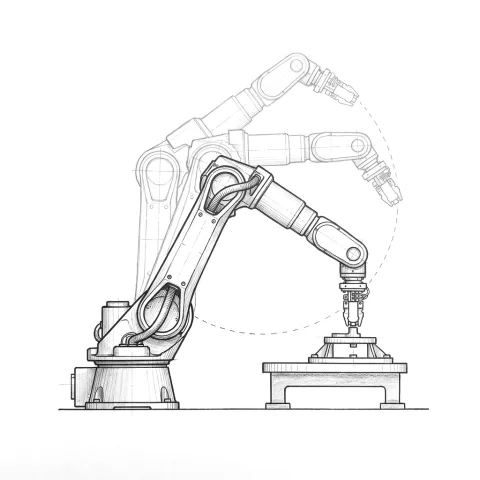
An example: 45 seconds in the quote, 58 on site
Every production manager who has bought a robot cell knows this story. The quote shows a cycle time under target. The cell is installed, starts running real parts, and comes in over target. The robot slows down because it can barely reach one point, seconds go by waiting for the gripper to close, two machines wait on each other.
By then the cell is finished, it has been paid for, and the rest of the line runs at the pace of this station. Simulation is where that number gets proven before installation.
Cycle time and takt time
Cycle time is how long the cell takes to finish one part. Takt time is the pace customer demand requires: available production time divided by the quantity demanded.
An example: two shifts a day at 7.5 net hours each gives you 54,000 seconds a day. With a daily demand of 900 parts, your takt time is 60 seconds. If the cell's cycle time is over 60 seconds, that cell is the bottleneck. Because you need headroom for stoppages and changeovers, cycle time has to sit clearly below takt.
What we check in simulation
- Reach: can the robot get to every weld point, every pallet corner, the chuck inside the machine, at the right angle? Joint limits and singularities slow the robot down or stop it.
- Collisions: do the robot, the gripper and the part it carries hit the fence, fixture, conveyor or machine door?
- Layout: does the cell fit the space? Where are the forklift route, the operator's loading point and access for maintenance?
- Cycle time breakdown: the total is split into robot motion, gripper open and close, clamping, waiting for signals and machine time. You can see which step is the bottleneck.
In simulations that run on the robot maker's virtual controller, robot motion times come out close to reality. Valve, cylinder and clamping times are entered from supplier data or measurement. The simulation is only as accurate as those inputs.
We do the same work for robotic welding cells. In welding, the torch angle at every seam is checked as well as reach.
Virtual commissioning
In virtual commissioning, the real PLC program runs on a software PLC or on real PLC hardware, against the simulated cell. Sensors, valves and the robot generate signals virtually, and the PLC responds as if it were on site.
So a wrongly addressed signal, a missing interlock or a cell that can't restart after an emergency stop is found at a desk, not on the days you stop production on site. For changes to an existing line, this directly shortens the shutdown.
What simulation doesn't show
Simulation sees the ideal part. It doesn't show real part tolerances, a millimeter or two of variation in pressed sheet metal, or differences in carton size. It only approximates how the cable and hose package on the robot twists and stretches. And it knows nothing about how the operator loads parts or when they go on break.
We measure those on site with real parts. The job of simulation is to make sure the cell leaves enough margin for them.
What you receive
A simulation study usually delivers:
- Cell layout drawing
- Step-by-step cycle time breakdown
- Reach and collision study
- Video of the cell running
Questions buyers ask
Is simulation done before the quote? Reach and cycle time checks are done at the quotation stage, because they are what the number in the quote rests on. Detailed simulation and virtual commissioning are part of the design phase.
How can I trust the cycle time in a quote? Look at the breakdown, not the total. Ask in writing which step takes how many seconds, which values are assumptions, and how the time will be measured at acceptance (which part, averaged over how many cycles). We show these in our quotes.
Can you simulate an existing line? Yes. Adding a robot to an existing line, speeding up a station or trying a new layout as part of machine and line automation are among the cases where simulation pays off most. Dimensions and times of the existing equipment are measured on site.
For more detail, see our article on how to verify robot cell cycle time.